Skip to content

Focus timer for Android

Busy? Calls can wait.

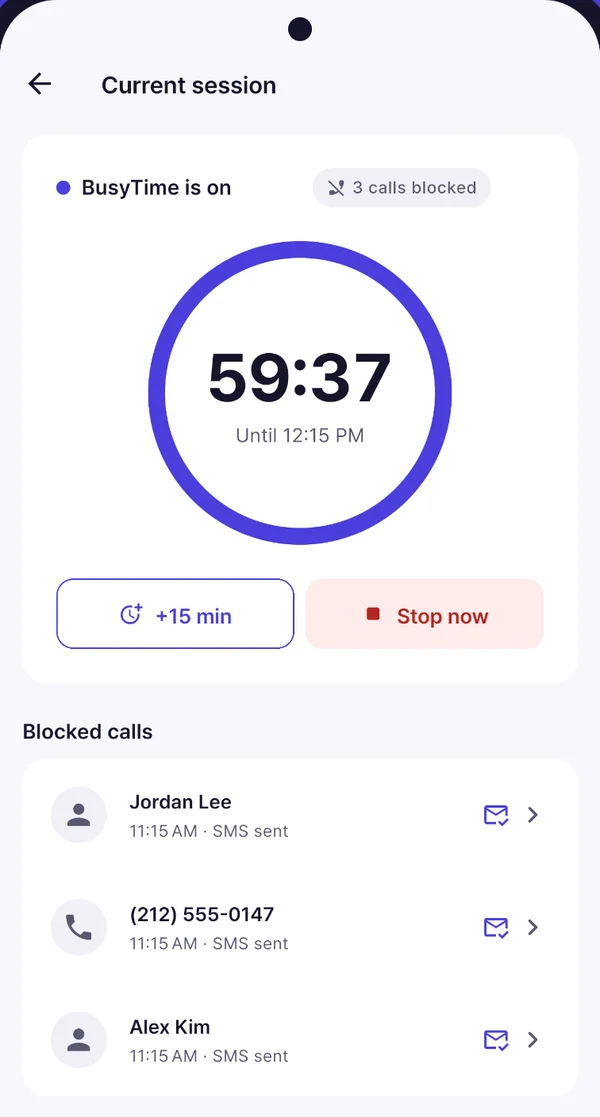
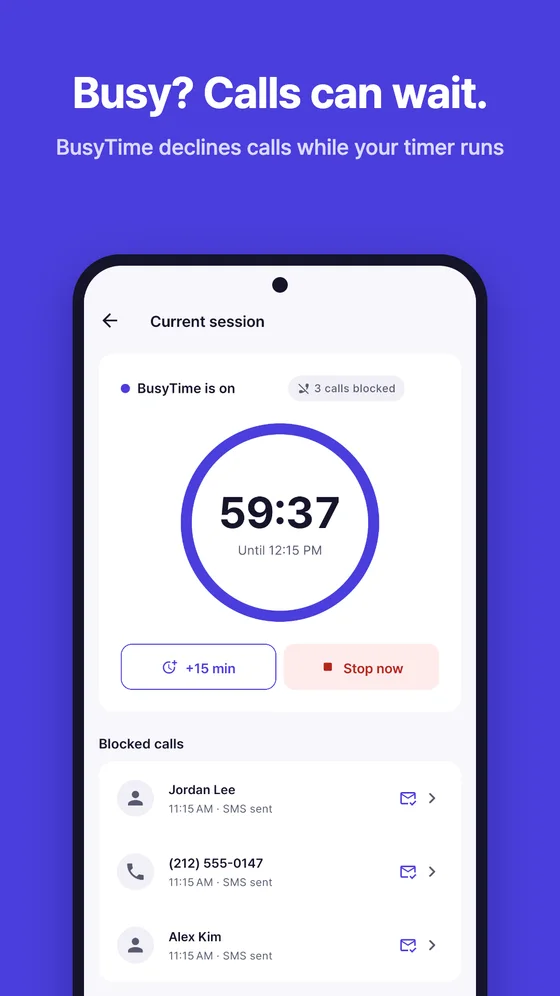
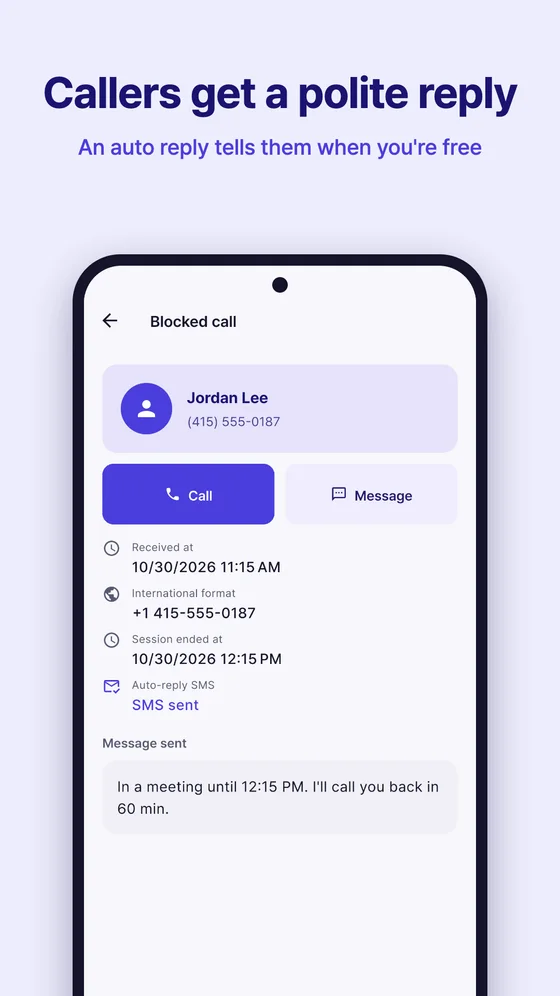
Start a timer and BusyTime declines incoming calls, then texts each caller a polite reply so nobody wonders why you didn't pick up. When the timer ends, your phone rings again.

Free on Google Play · Android 10 or higher

BusyTime current session screen with a 59:38 countdown and three blocked calls that each received an SMS reply

How it works

Three taps to a quiet hour

  1. Pick a time

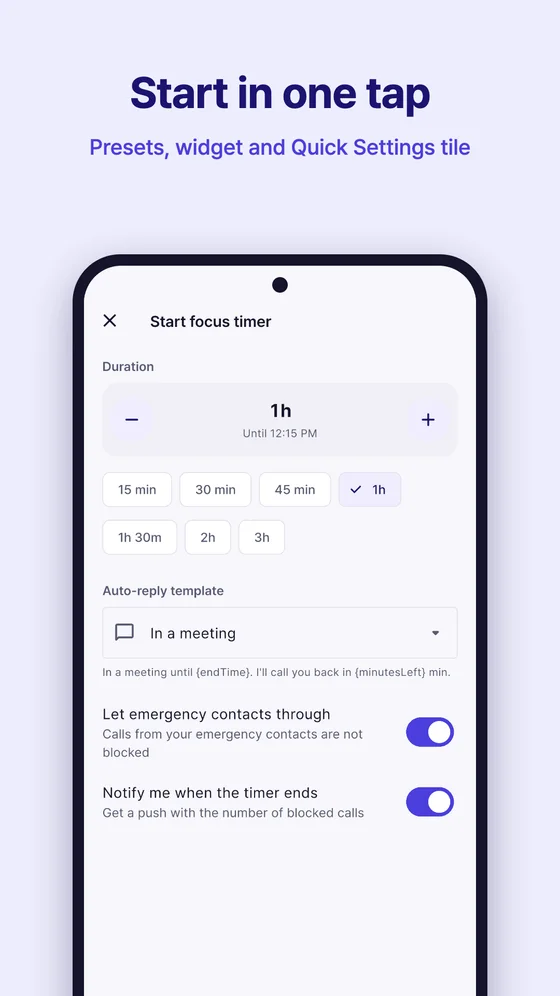
    30 minutes, 1 hour, 3 hours, or any length from 1 to 1440 minutes.

  2. Pick a reply

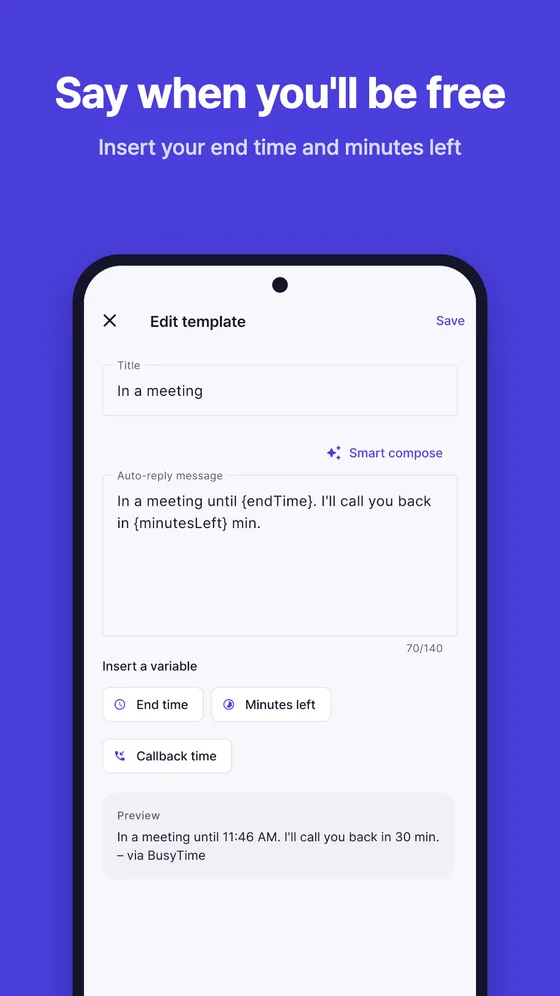
    Choose a message such as "In a meeting until 3:30 PM". The end time fills itself in.

  3. Start

    BusyTime quietly declines calls and texts callers back. Stop any time, or let the timer end on its own.

Features

Everything a busy hour needs

  • Call auto reply

    Every declined caller gets your message by SMS, one reply per call.

  • Smart compose

    Ready-made replies for meetings, class, driving and workouts, in the tone you want.

  • Smart reply variables

    Insert your end time or minutes left, and they are filled in when the reply is sent.

  • Emergency contacts ring

    Family and emergency contacts are never declined.

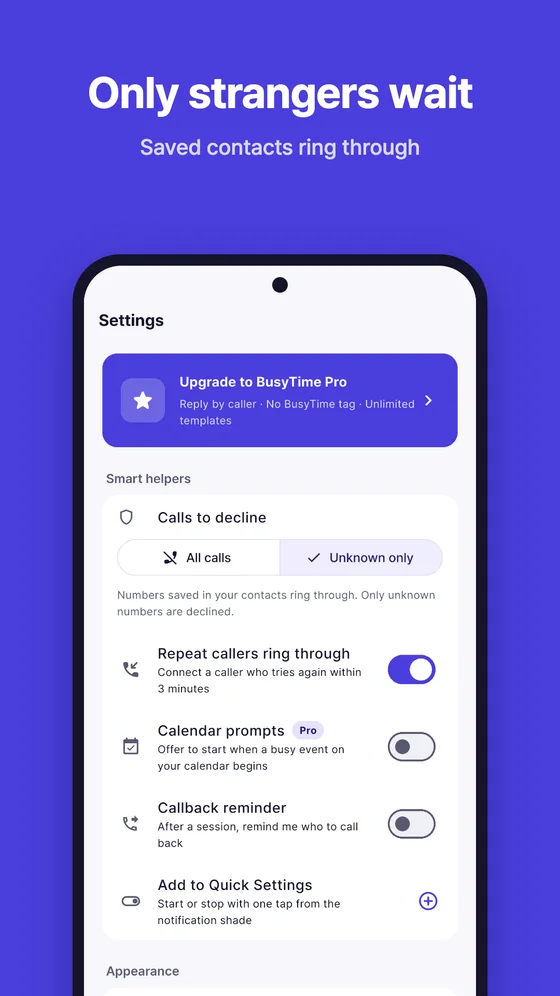
  • Unknown numbers only

    Let everyone in your contacts ring through and decline only numbers you haven't saved.

  • No-reply list

    Decline spam or unwanted numbers without texting them back.

  • Tile, widget and lock screen

    Start or stop from the Quick Settings tile, check time left on the home screen widget, and stop from the notification.

  • Routines

    A reminder to start at the same time every weekday.

  • Pro

    Calendar prompts

    When a busy meeting starts, BusyTime offers to start a session, or starts it for you if you turn on automatic start.

  • Pro

    Reply by caller

    Different messages for emergency contacts, contacts and unknown numbers.

  • Session summary

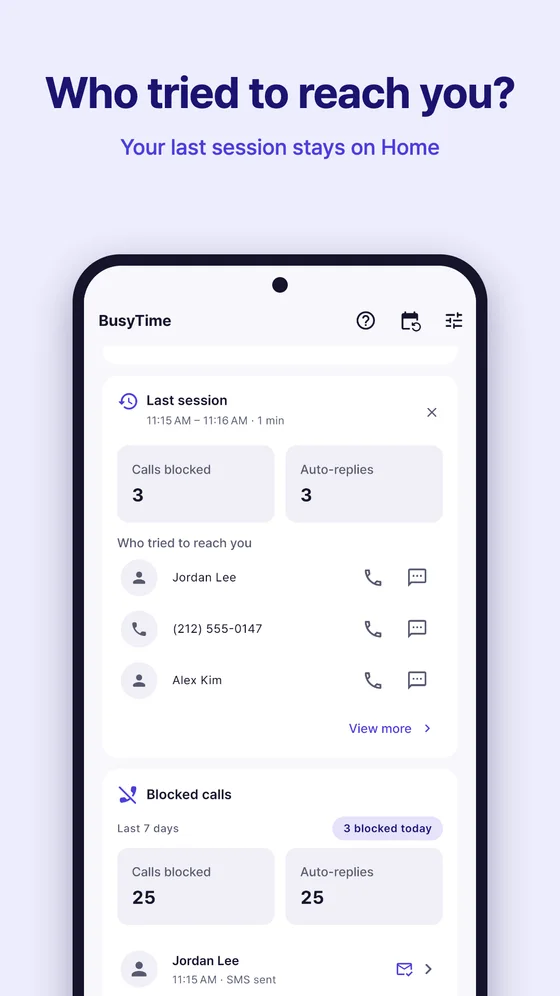
    See who tried to reach you, call or text back in one tap, and get a reminder to call people back.

  • Weekly focus stats

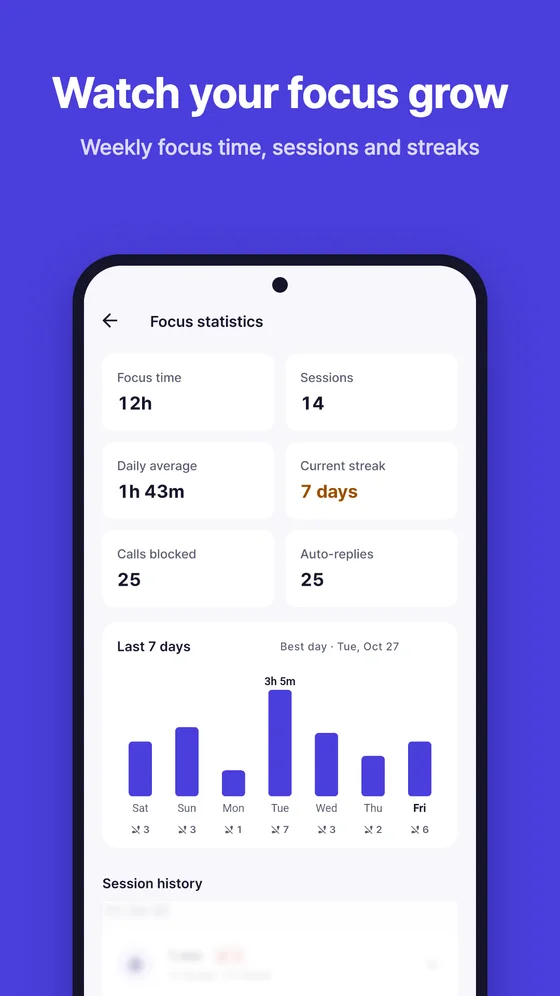
    Focus time, sessions and streaks for the week. Full history with Pro.

Urgent calls get through

Calls twice in three minutes? It rings.

Someone who really needs you usually tries again. If the same number calls back within 3 minutes, BusyTime lets the call ring, even in the middle of a session. You can turn this off in Settings.

  1. M Mom · Declined · reply sent
  2. M Mom · Same number, 2 minutes later Ringing

Inside the app

A calm screen for a busy day

Privacy first

Your calls stay your business

BusyTime does its work on your phone. There is no account and no BusyTime server.

Read the privacy policy
  • Stays on your device

    Your timer log, contacts, templates and settings are never uploaded.

  • Not your phone or SMS app

    BusyTime uses Android's call screening only during a session you start. It never places calls.

  • Never reads messages

    It sends one reply to a declined caller and nothing else. It cannot read your texts.

  • Checks contacts on-device

    Emergency contacts and Unknown only are matched on your phone. Calendar prompts read only start and end times.

BusyTime Pro

One-time purchase · no subscription

Pay once. Keep it for good.

BusyTime is free to use. Pro is a one-time purchase with no subscription, unlocked for life on your Google account.

  • No ads, and no "– via BusyTime" tag on replies
  • Unlimited templates and presets
  • Calendar prompts with automatic start
  • Reply by caller
  • Full session history

The price is shown in Google Play before you buy.

Free forever

Timer, auto reply, emergency contacts, urgent calls, Unknown only, tile, widget, routines and weekly stats.

Questions, answered

Does BusyTime replace my phone or messaging app?

No. BusyTime is not a default phone or SMS app. It uses Android's Call Screening role ("Caller ID & spam app") only during a focus session you start. When no session is running, every call rings as usual.

What if someone really needs to reach me?

Emergency contacts always ring. And if the same number calls again within 3 minutes, that call rings too, so urgent calls are not missed. You can turn the repeat-call rule off in Settings.

Who gets an SMS reply?

Only callers BusyTime just declined, one reply per call, and only if you allowed SMS and picked a template. Numbers on your no-reply list are declined without a text. Replies go out from your own number, so your usual SMS rates apply.

Can BusyTime read my messages, contacts or calendar?

It cannot read your messages. Contacts are checked on your device only when a feature you turned on needs them, such as emergency contacts or Unknown only. Calendar prompts read only the start and end times of busy events. Nothing is uploaded.

Why do free replies end with "– via BusyTime"?

In the free version, a short tag is added to the end of the same reply, only when it still fits in one SMS. It has no link and is never sent as a separate message. Pro removes it.

Does it keep working when I close the app?

Yes. A session runs with an ongoing notification that shows the countdown and a Stop button. When the timer ends, calls ring again automatically.

What does Pro cost?

Pro is a one-time purchase with no subscription. The price in your currency is shown in Google Play before you buy, and you can restore it on a new phone from the Pro screen.

Is there an iPhone version?

No. BusyTime is for Android 10 or higher only, because it relies on Android's call screening.

How do I delete my data?

Everything lives on your phone. Blocked calls in the timer log are deleted after 30 days, you can turn recording off or clear it in Settings, and uninstalling the app removes the rest.

Get your focus time back.

Free on Google Play. Set up in under a minute.